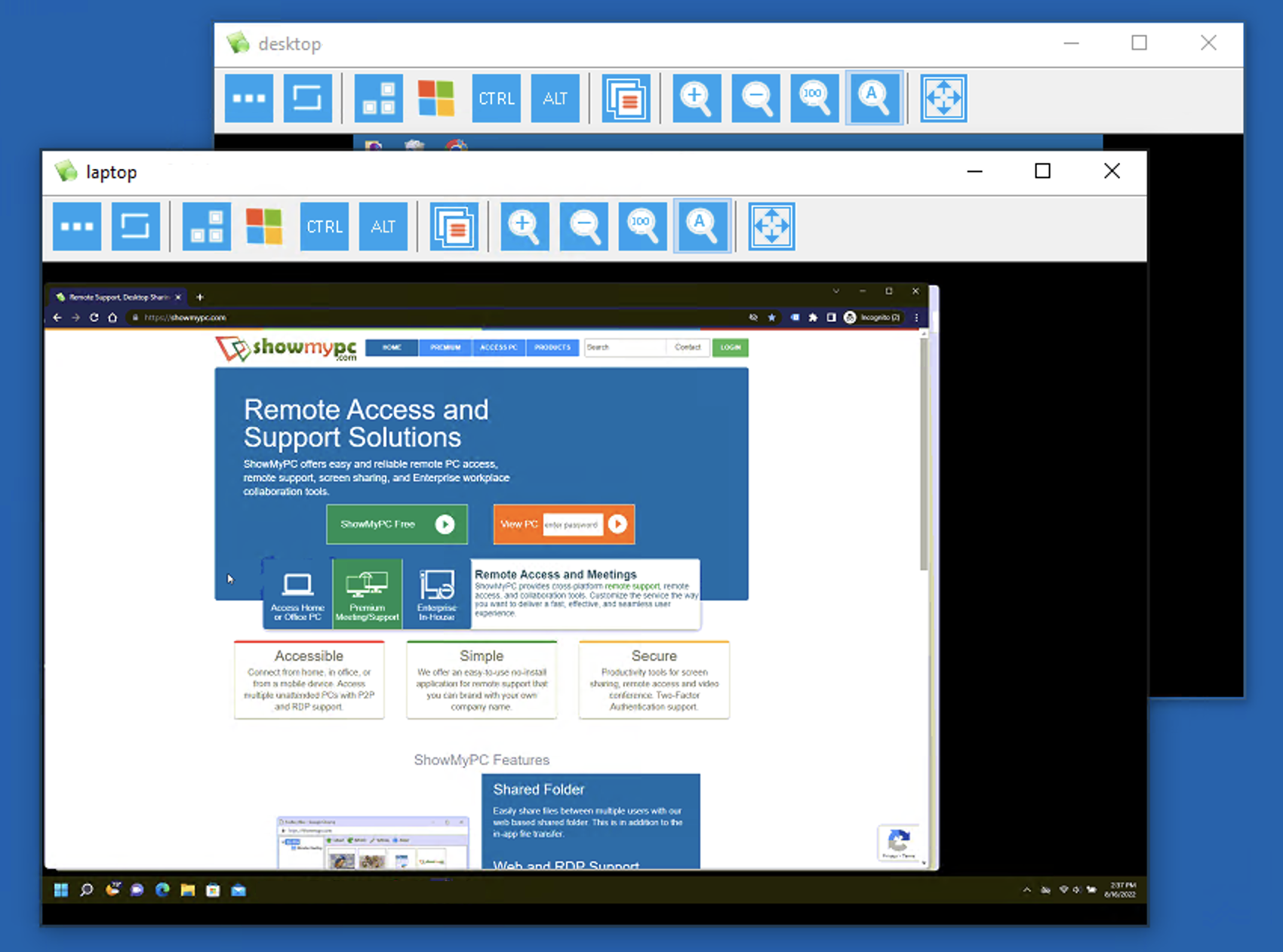
View Multiple Remote PCs From Your Desktop
To support or view multiple PCs from your desktop, follow the steps described below:
Launch the viewer application from your PC and enter the session password to view the remote session.
If using the web version, enter the password in the "View PC" box on your account page to launch a new window.
Repeat this process for each additional session you wish to view.
Note: If you plan to switch screens during a session, please launch a new viewer application for each connection.