Admin and Non Admin Mode in UAC
Understand how Windows UAC permissions affect remote control capabilities.
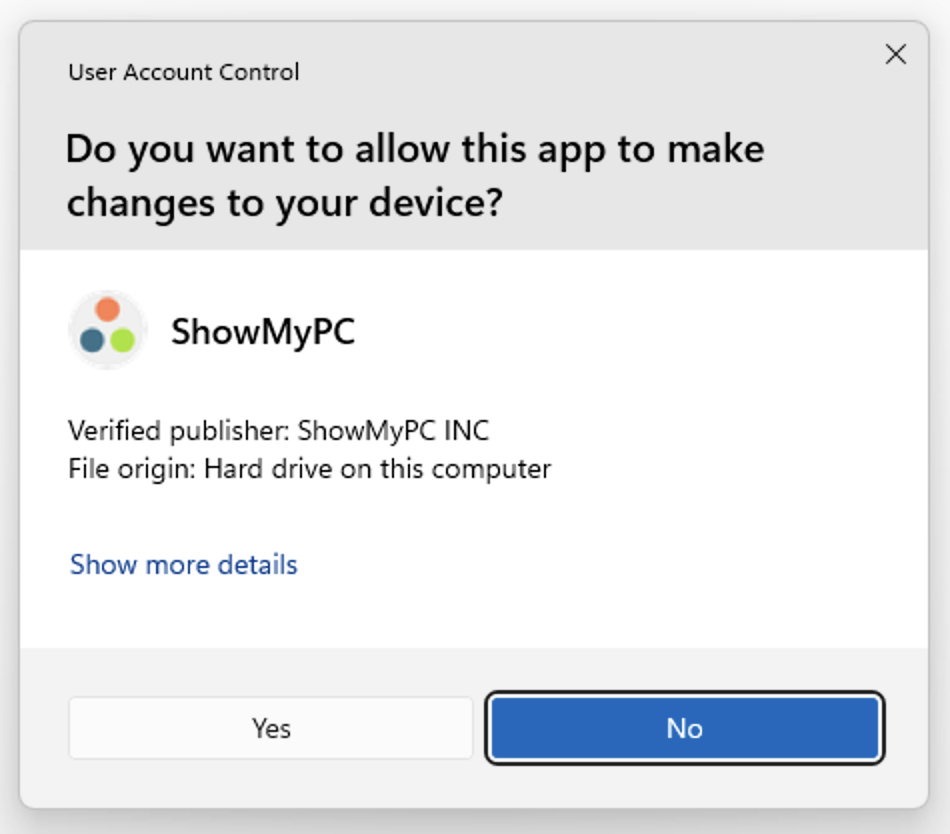
When a program starts on Windows, it requests permissions to run with admin-level privileges via a UAC prompt.
With Admin UAC permissions accepted, you can install programs and make system-level changes on the remote PC.
If the user declines the UAC dialog, you can still see the screen but have limited permissions.
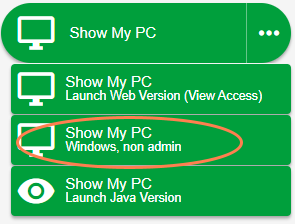
Non Admin Mode
You can control the PC, but cannot perform admin tasks remotely.
In the Premium version, the program attempts to start in Admin mode by default. The user should allow this if possible.
If the user denies UAC access or has no permissions, the program automatically falls back to Non Admin mode.
The Non Admin version is a view-only version — useful for end users who don't have Windows permissions and won't trigger a UAC prompt on start.
Due to Windows security, features like UAC elevation will appear to freeze the Viewer until someone physically near the PC clicks Continue. Reconnect on Reboot is not available in Non Admin mode since the service cannot be installed without permissions.
What if UAC prompt is turned off?
If UAC is disabled on the remote PC, the program automatically starts in Non Admin mode. See how to turn on UAC.