Securing Your Account
ShowMyPC accounts are designed for ease of use for end users; however, in many scenarios, you may want to secure your account. We offer a number of options to secure a meeting account
visibility_offHide Buttons
This feature allows you to hide certain app buttons on your public account page.
This option is for Meeting Accounts only.
Login > Web Page Editor > Hide Buttons
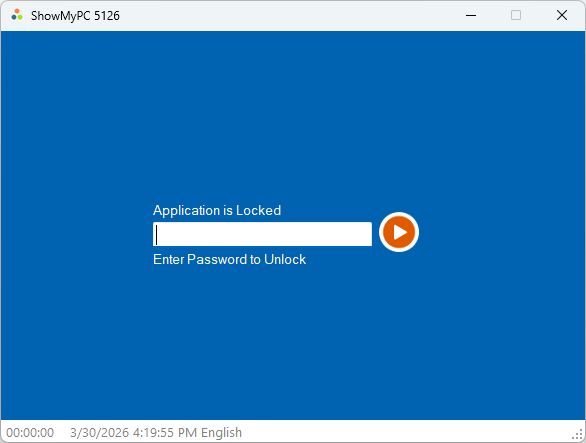
vpn_keyApplication Use Password
Use this feature to control access to the application for specific employees.
Protect the application from unauthorized use if an employee leaves your organization.
This option applies to Meeting and Unattended Service accounts.
Login > Web Page Editor > Application Use Password
lockPassword Protect your Home Page
Allow only specific users to access your account.
For Meeting Accounts: Login > Web Page Editor > Edit your public page > Password Protect your Home Page
For Service Accounts: Login > Settings > Password Protect Website