Screen Sharing with Full Control but No File Transfer
Give users full mouse and keyboard control while disabling file transfer access. Choose the method that matches your version.
Free Version
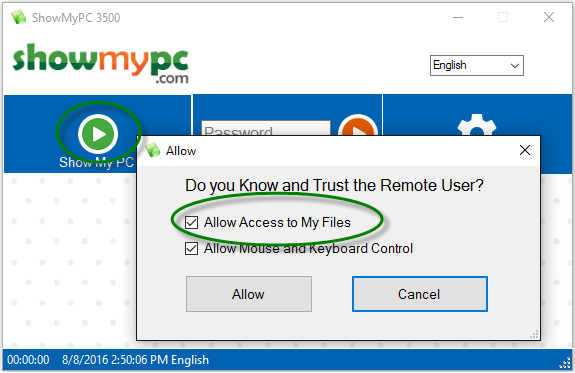
Click the Show My PC button — a dialog with advanced permissions will appear.
Uncheck the Allow Access to My Files checkbox.
Click Allow — the session will start with no file access.
Premium Version
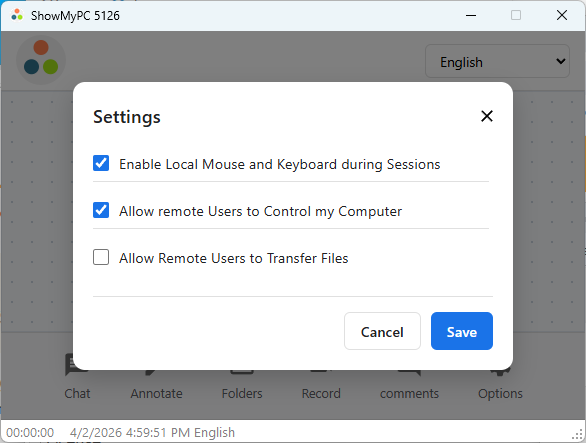
Before starting the session, please go to Options > Settings.
Uncheck Allow Remote Users to Transfer Files and click Save.
Click Share Screen to start the screen sharing session.