Managing Multiple Employees with Application Use Password
Control application access for specific employees and easily revoke permissions if someone leaves your organization.
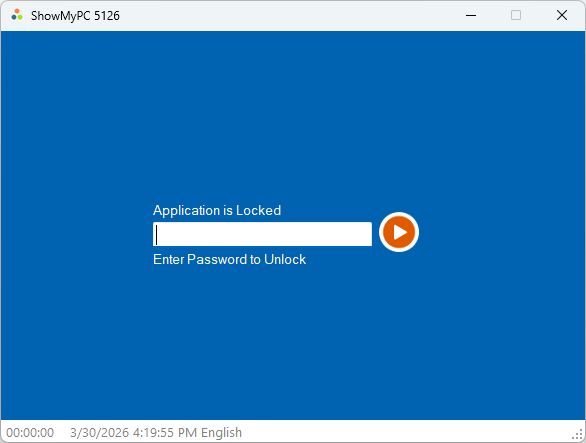
Prompts users for a password every time the application (.exe) is launched.
Set a single password, or use a comma-separated list to assign unique passwords to different users.
Alphanumeric characters only (A-Z, 0-9).
Examples → Single: mypassWord | Multiple: passWord1, demo, agent1
Available on Windows only.
When an agent leaves, simply remove their specific password. Their copy of the application will immediately stop working.
What your users will see: